
The free Figma
icons plugin.
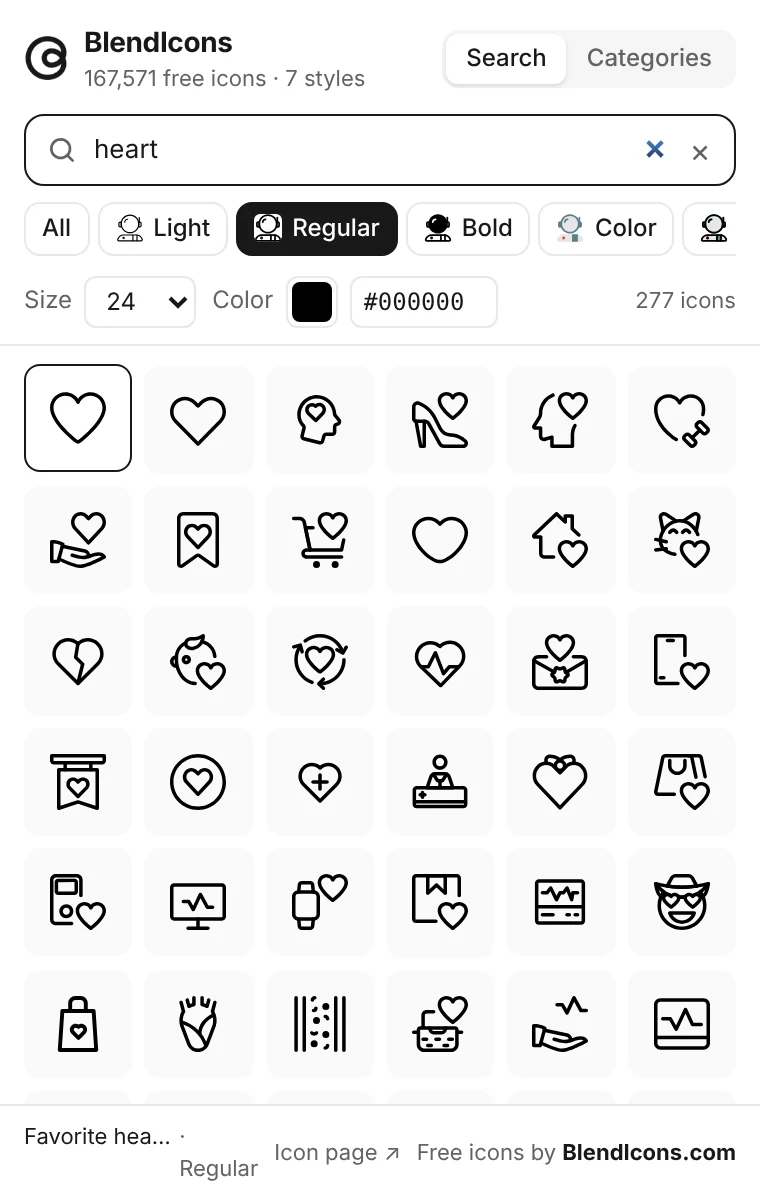
165,000+ icons in 7 styles, right inside Figma and FigJam. Search, drop in editable vectors and swap styles in one click. No login.
- Free
- No login
- Figma + FigJam
- 33 categories


 40 × 40



Features
Everything a free Figma
icons plugin should do.
The whole BlendIcons library, one search away. Find an icon, drop it in and restyle it without leaving your file.
Search 165,000+ icons
Type a keyword and browse results instantly, filtered by any of the seven styles or by category.
Click or drag to insert
Every icon lands on your canvas as an editable vector. Resize it, recolour it, edit its points.
 112 × 11288 × 88
One-click style swap
Select an icon on the canvas and switch it to any other style. Same icon, new look, no hunting.
Size and colour, set before you drop
Choose a size and any hex colour in the plugin, so icons arrive ready to use.
162432486433 categories
Browse curated categories when you need a whole family of icons, not just one.Browse curated categories for a whole family of icons.
Figma and FigJam
The same plugin works in design files and on FigJam boards.Works in design files and on FigJam boards.
No login, no paywall
Open it and start inserting. There is no account to create.Open it and start inserting.
7 styles · one library
Free icons for Figma,
in seven styles.
Compare the same icons across all seven styles at a glance, then switch any icon between them in one click.
| Icon | |||||||
|---|---|---|---|---|---|---|---|
| Home |  | |  |  |  |  |  |
| Search |  | |  |  |  |  |  |
| Heart | | | | | | | |
| Bell |  | |  |  |  |  |  |
 | |  |  |  |  |  | |
| Cart |  | |  |  |  |  |  |
| Rocket |  | |  |  |  |  |  |
| User |  | |  |  |  |  |  |
Install
Up and running
in three steps.
Free to install from Figma Community. No account, no setup, nothing to configure.
- 01
Open it on Figma Community
Find “BlendIcons – 165K Free Icons” on Figma Community and open it in any file.
- 02
Run it from any file
In Figma or FigJam, pressPress ⌘ K (Ctrl K on Windows), type “BlendIcons” and press Enter.
- 03
Search and drop
Search, pick a stylePick a style, then click or drag any icon onto your canvas.

FAQ
Questions,
answered.
Everything about the free BlendIcons plugin for Figma. Still curious?
Contact usIs the BlendIcons Figma plugin free?
Yes. The plugin is free to install and use, with no login and no paywall inside the plugin.
Do I need a BlendIcons account?
No. Open the plugin and start searching. There is nothing to sign up for.
Which icon styles are included?
Seven: Light, Regular, Bold, Color, Filled Line, Fresh and Solid Line.
Are the icons editable vectors?
Yes. Every icon is inserted as a vector you can resize, recolour and edit like any other layer.
Can I swap an icon to a different style?
Yes. Select an icon on your canvas and pick another style. It swaps in one click.
Does it work in FigJam?
Yes. BlendIcons works in both Figma design files and FigJam boards.
When can I install it?
BlendIcons has been submitted to Figma Community and is in review. The install button on this page goes live as soon as it is approved.


Get 165,000+ free icons
inside Figma.
Seven styles, 33 categories and no login. One plugin for Figma and FigJam.


